When to use it
Review number settings before entering transactions. Ask the accountant before changing the company’s rounding method.
Set decimals and rounding
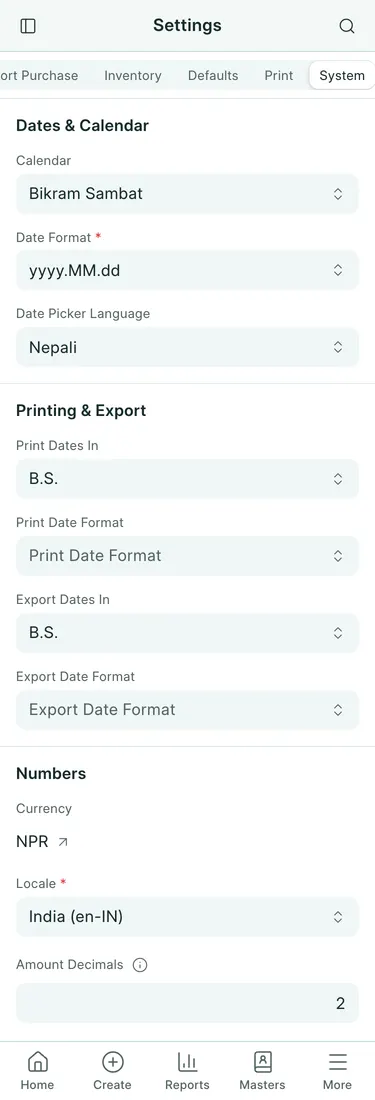
- Open Settings → System and find Numbers.
- Check Currency and Locale. The locale controls number grouping and decimal presentation.
- Set Amount Decimals for money, normally 2.
- Set Quantity Decimals for quantities, from 2 to 9; the default is 3.
- For a Nepal company, use Commercial Rounding under Rounding Method. It rounds a half up.
- Choose Save and review a bill’s amounts and quantities.
What changes
These settings mirror Frappe’s System Settings. Saving them posts no accounting entries. Exchange rates keep their own precision, up to nine decimals, independently of quantity decimals: 1.6015 does not become 1.602. Customs declarations round their tax bases and taxes up to a rupee as described in the Pragyapan Patra guide.
Common mistakes
Do not change quantity precision to shorten a bank quotation. Do not confuse commercial rounding with customs rounding up. Check existing documents before assuming a display-setting change has altered a submitted accounting amount.
In BookPana
Example screens use fictional demo data. Your records and available actions depend on your company and access.
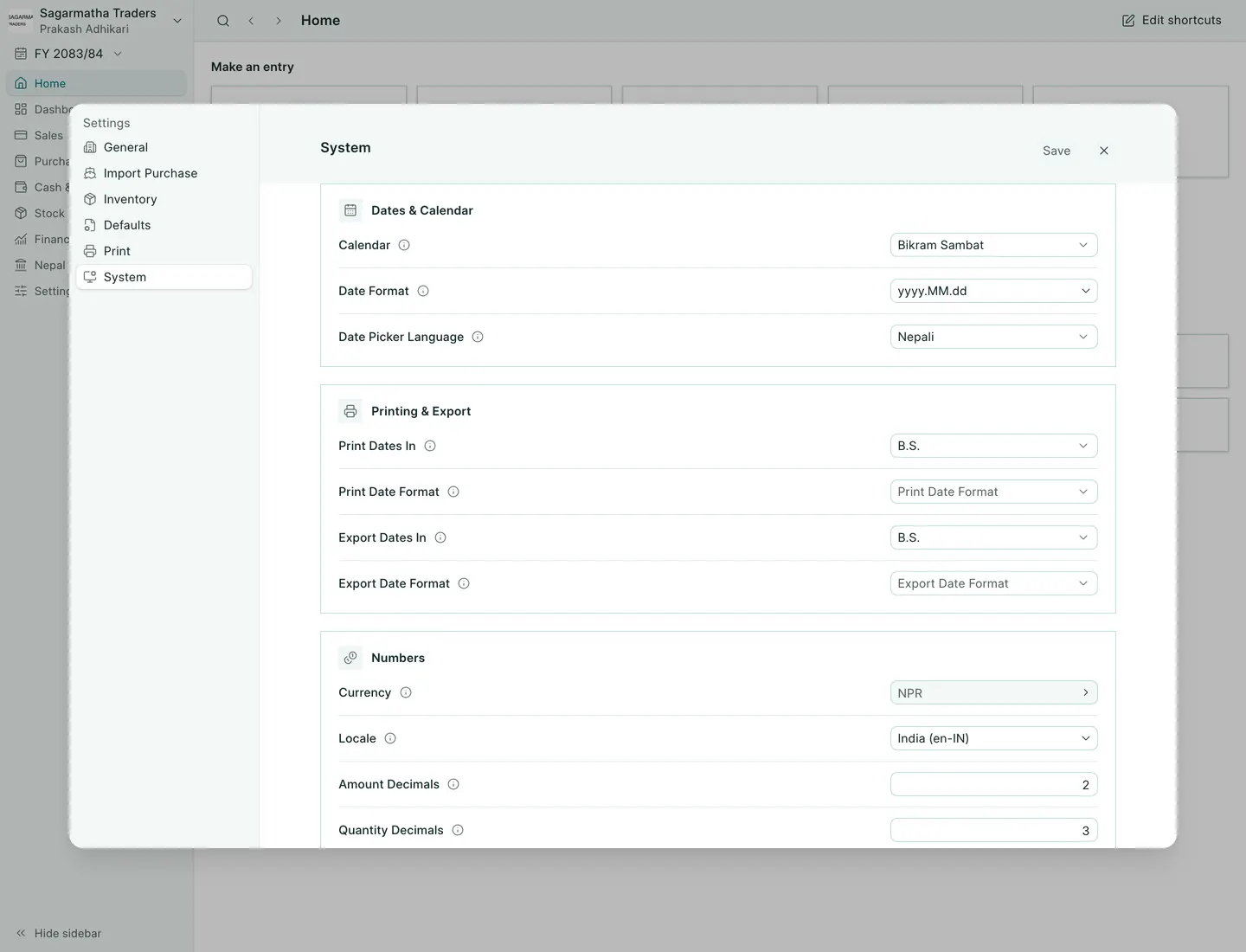
See the phone layout: Number settings