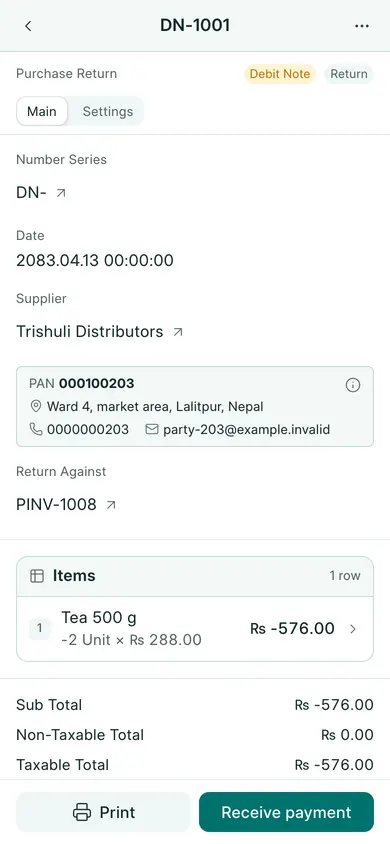
Return a purchase
- Open the submitted purchase invoice for the goods being returned.
- Choose Create → Return, or More actions → Return on a phone.
- Check Supplier and Return Against. BookPana uses the separate debit-note series, normally DN-.
- Keep the returned items and review their quantities, rates and VAT. The mapped return has negative quantities and totals; keep those signs.
- Check Date, save the draft and confirm, then submit and confirm it.
- Find the result under Purchases → Purchase Returns. Review the supplier ledger and stock where applicable.
If the supplier refunds you
A debit note and money received are separate. When the supplier actually refunds money, use the submitted return’s Create → Payment action (Receive payment at the bottom on a phone). Check its account, amount, date and allocation before submitting.
The original purchase stays in the records. If returns are disabled or the invoice is already fully returned, ask the owner to check before creating anything else.
In BookPana
Example screens use fictional demo data. Your records and available actions depend on your company and access.
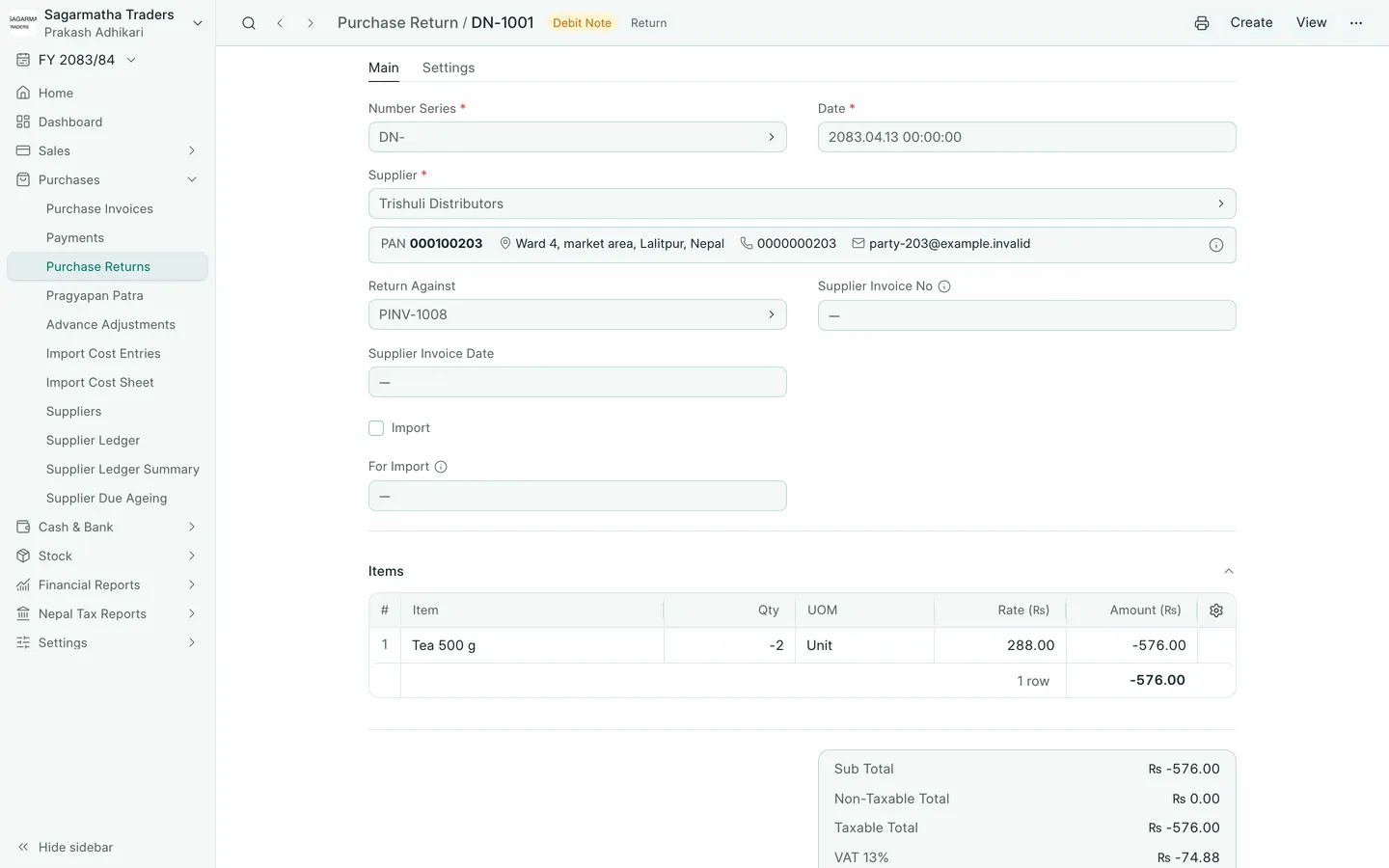
See the phone layout: Purchase return