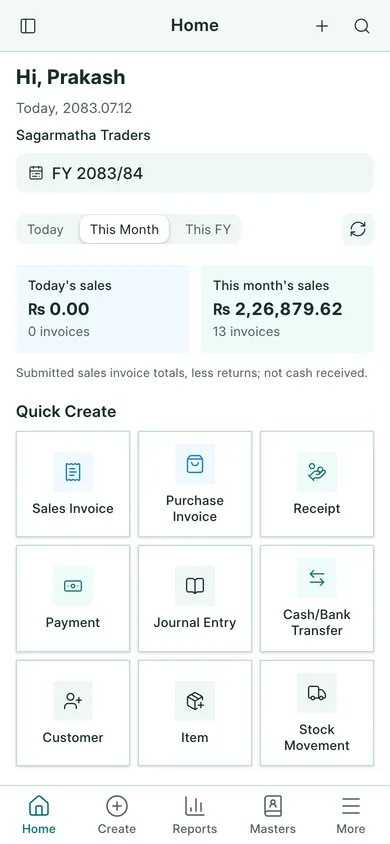
BookPana keeps sales, purchases, money received, money paid and stock for your business in Nepal. Each company has its own books. Amounts are in NPR, and dates use Bikram Sambat (BS) with AD where needed.
Open the right place
- Sign in at my.bookpana.com with the login the account owner gave you.
- Open your company. Check its name before making an entry.
- On a computer, use the left sidebar. Sales, Purchases, Cash & Bank, Stock, Financial Reports and Nepal Tax Reports group the work.
- On a phone, use the bottom menu. Create starts an entry, and Reports opens the report menu. Use More for other pages.
Before entering records
Check the working fiscal year beside the company name. An entry’s date must belong to that year. Ask the owner to check your company details, accounts and VAT setup before you begin.
Your access controls which pages and buttons appear. If a page is missing, ask the owner to check your role and company access.
Continue with signing in and choosing a company, or follow your first invoice.
In BookPana
Example screens use fictional demo data. Your records and available actions depend on your company and access.
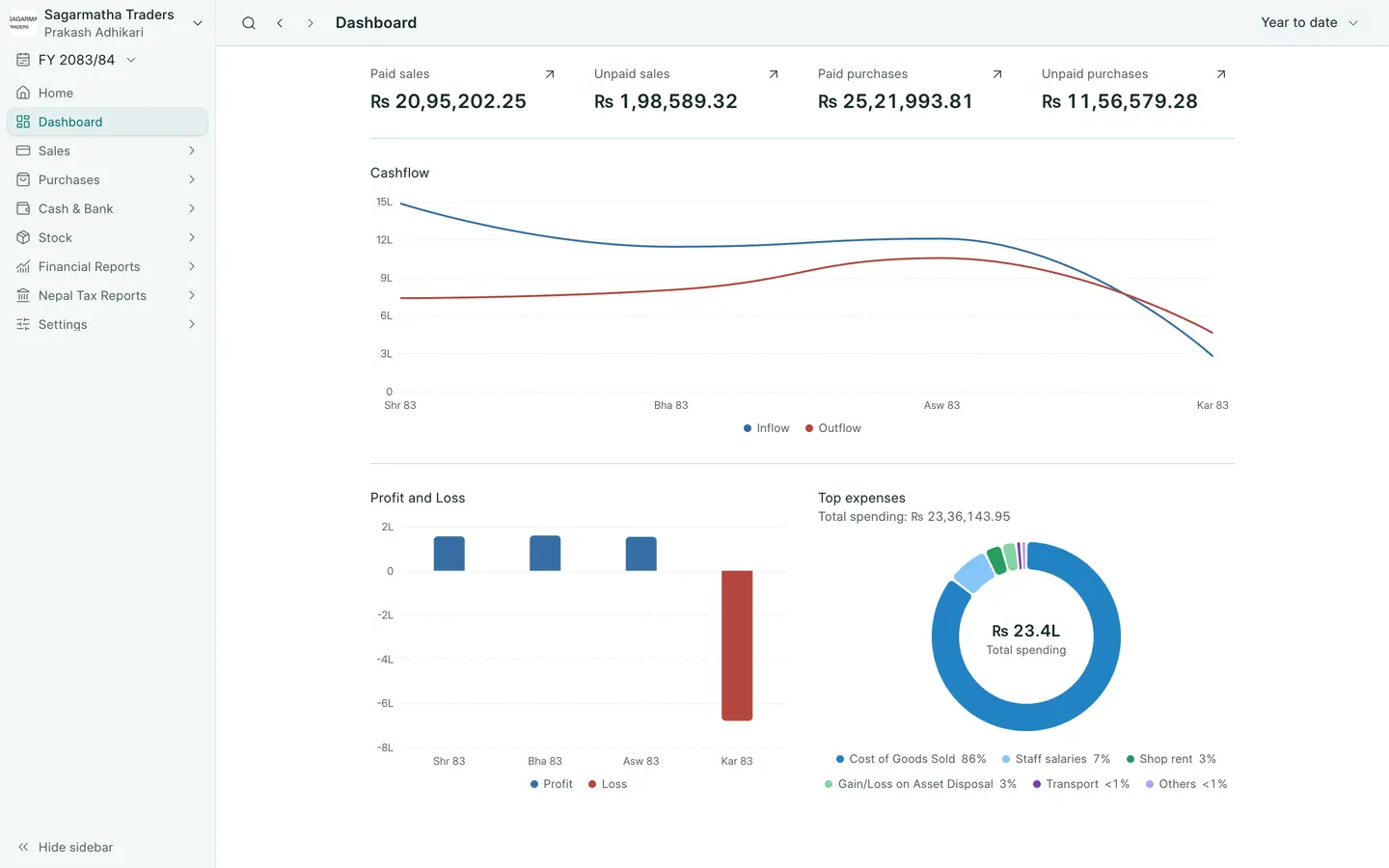
See the phone layout: Dashboard