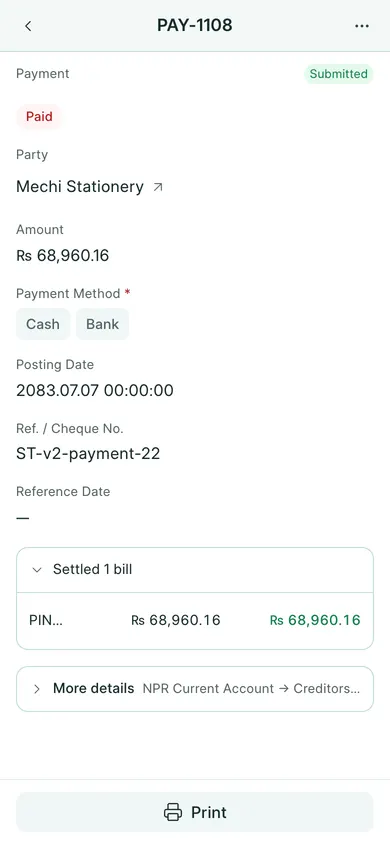
Use a receipt for money received and a payment for money paid. Choose the right party and account before saving.
Fill the quick voucher
- For money received, open Sales → Receipts → New. For money paid, open Purchases → Payments → New. On a phone, use Create → Receipt or Payment.
- Choose Party and enter Amount.
- Choose Cash or Bank, then Payment Method. It must match the account used in the real transaction.
- Set Posting Date and any Ref. / Cheque No. or Reference Date.
- Expand the bills summary to review the allocation before saving.
Allocate to bills
When Oldest first is active, the amount settles the oldest eligible bills first. Tick bill checkboxes to switch to Chosen bills. You can adjust a ticked bill’s allocation for a partial settlement.
Read any message about money left unallocated. An advance is not automatically a new sale or purchase. If a payment is against a particular invoice, it is easier to start with that invoice’s Create action.
Choose Save, confirm Yes, then Submit and confirm. Check the final Settled summary and the party ledger. Use More details only when you understand the accounts or write-off involved; ask your accountant before writing off a difference.
If your company uses Save & Submit, that button combines the draft-save and submission steps. Review the confirmation before continuing.
In BookPana
Example screens use fictional demo data. Your records and available actions depend on your company and access.
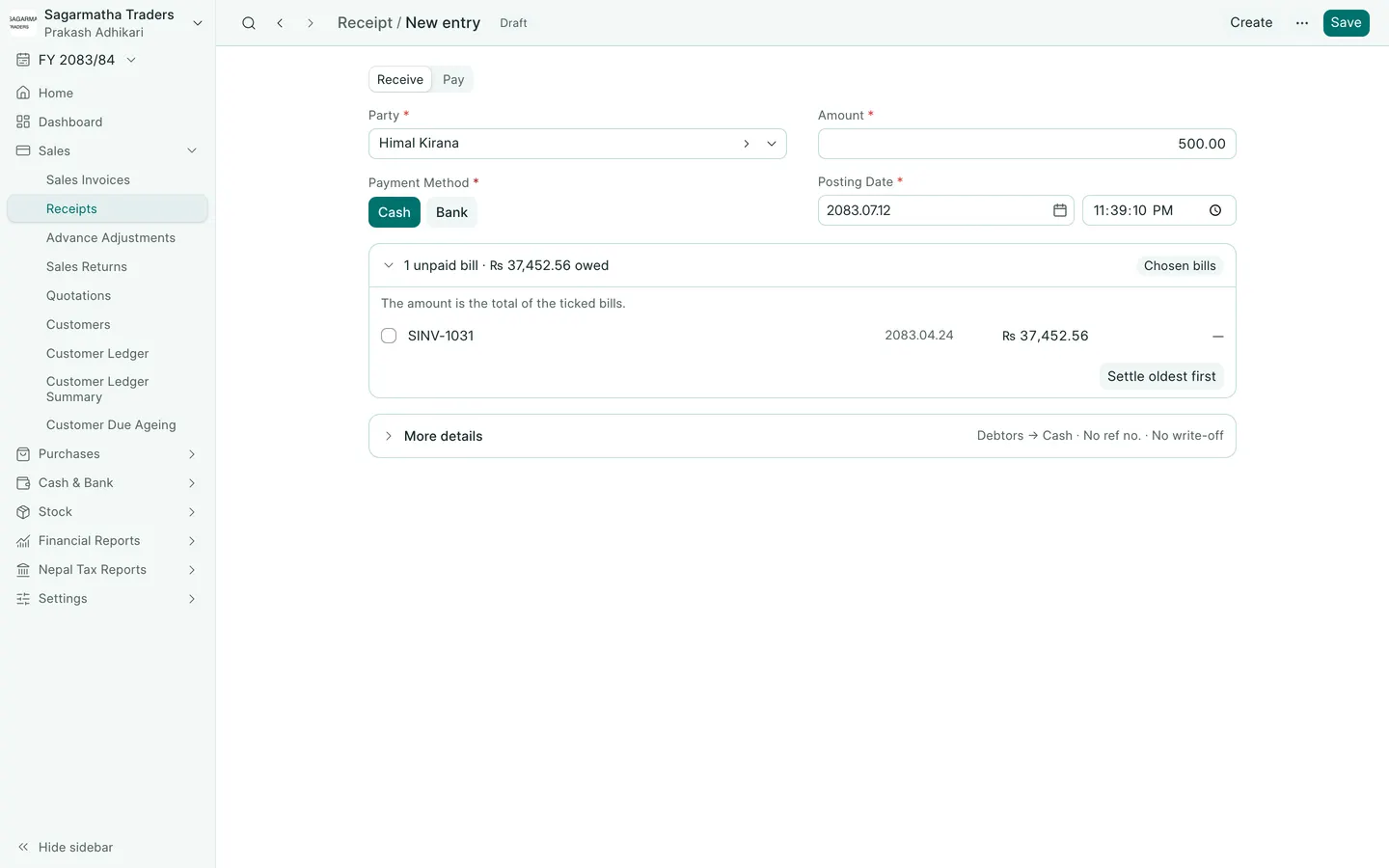
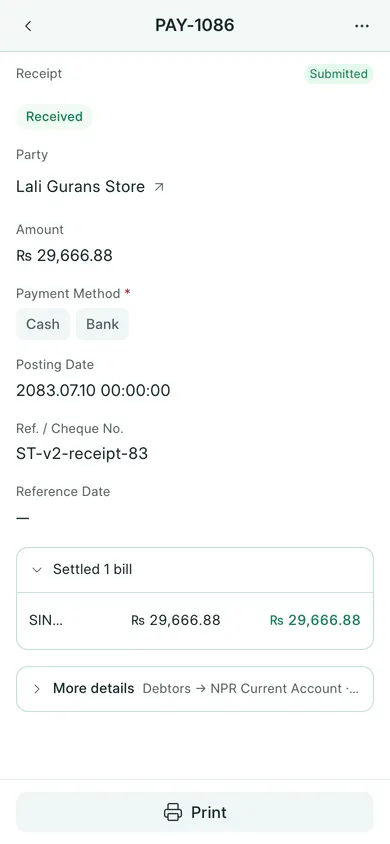
See the phone layout: Receipt and bill allocations
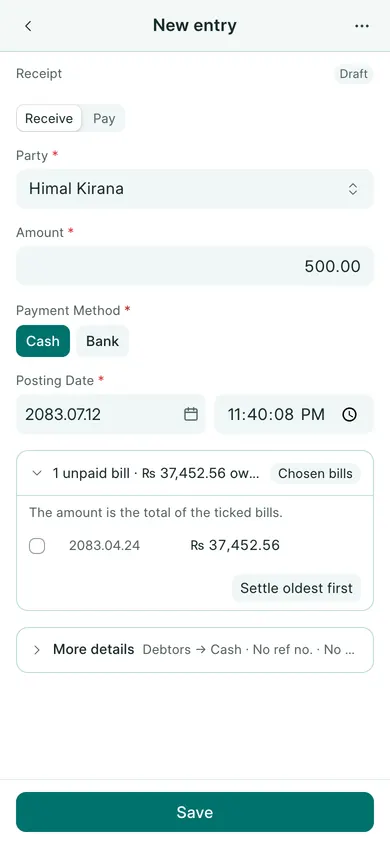
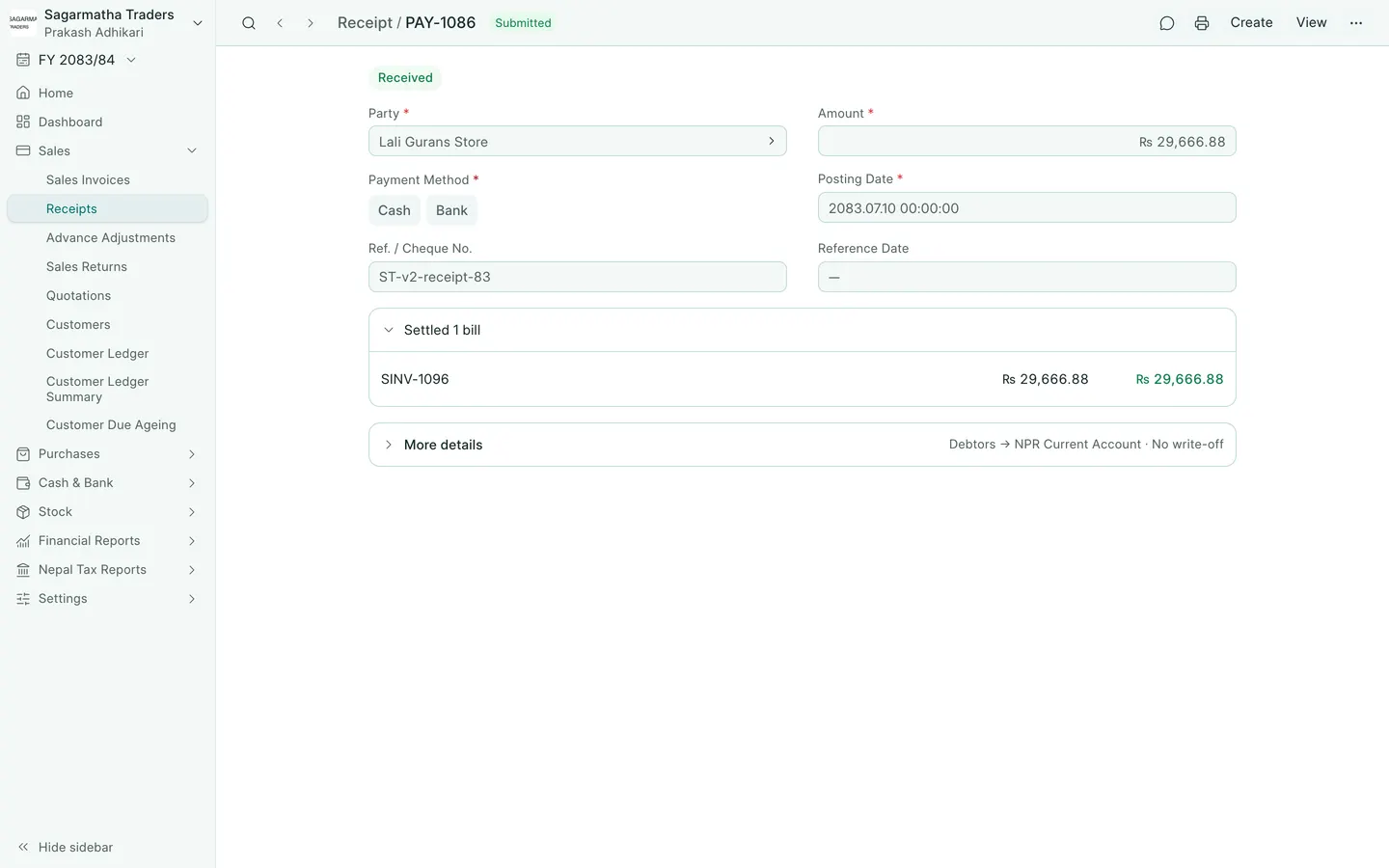
See the phone layout: Customer receipt
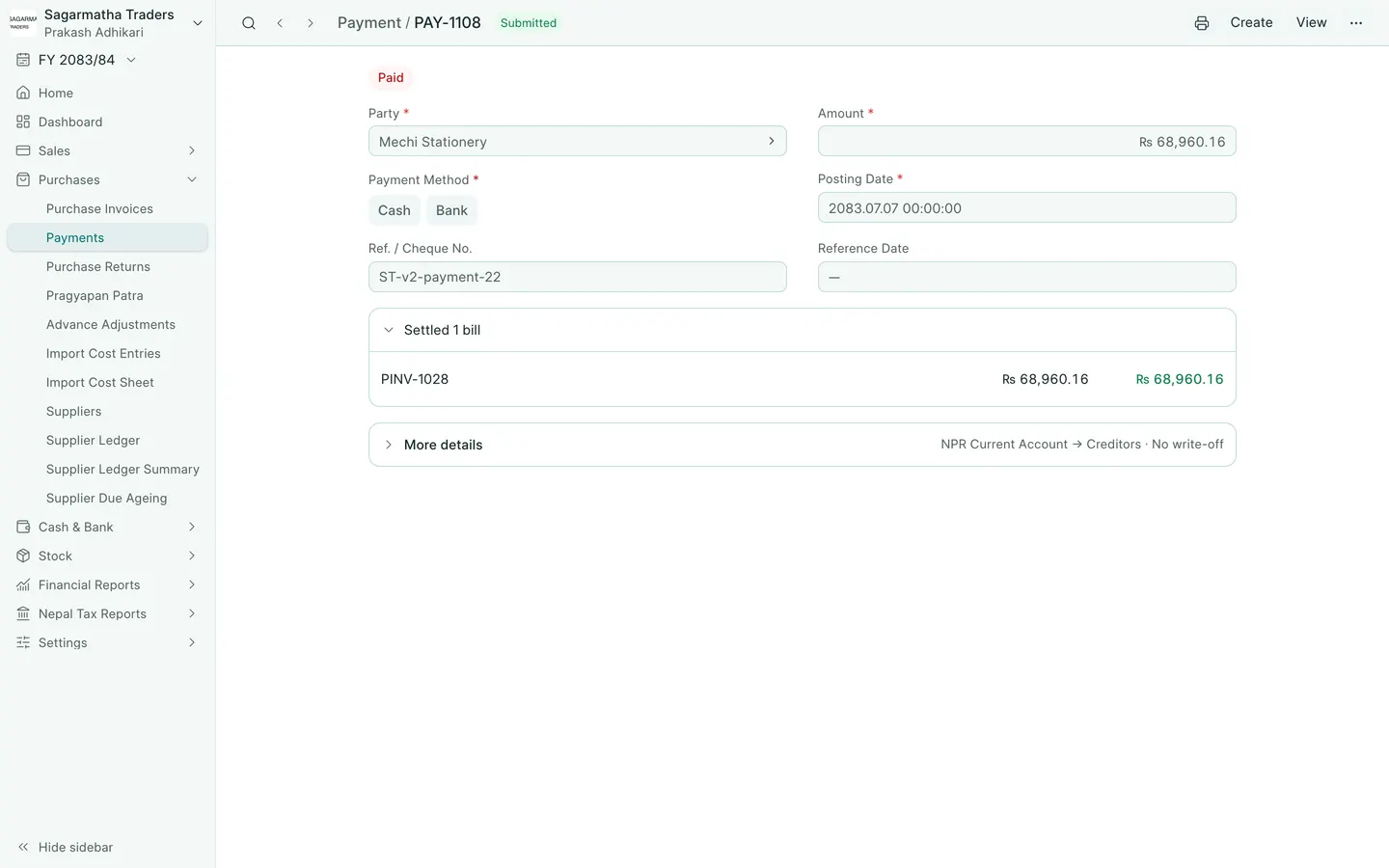
See the phone layout: Supplier payment