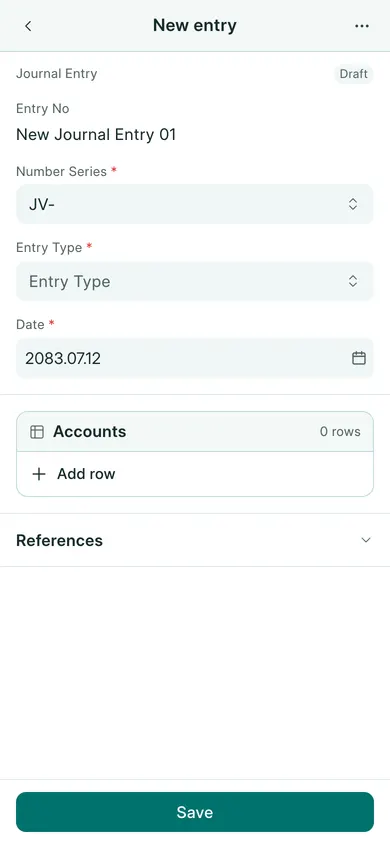
Use a journal for an accounting adjustment such as an opening balance or expense reclassification. Use the normal invoice and payment forms for customer and supplier transactions.
Enter the journal
- Open Cash & Bank → Journal Entries → New. On a phone, use Create → Journal Entry.
- Check Date and choose Entry Type.
- In the accounts table, choose an Account and enter its Debit or Credit.
- Add the other account rows. Total debits must equal total credits.
- Fill the reference and remark fields that explain the entry.
- Choose Save, confirm Yes, review the draft, then Submit and confirm.
On a phone, Add row opens the row editor. Fill the fields, then choose Done to return to the entry. Tap a row to edit it again.
Check before posting
For a cash expense, the expense account is normally debited and the paying cash or bank account credited. Have your accountant confirm the accounts and amount before submission.
Open General Ledger for the date and accounts to verify the posted entry. A journal dated outside the working year or in a closed year cannot be changed through this form.
If your company uses Save & Submit, that button combines the draft-save and submission steps. Review the confirmation before continuing.
In BookPana
Example screens use fictional demo data. Your records and available actions depend on your company and access.
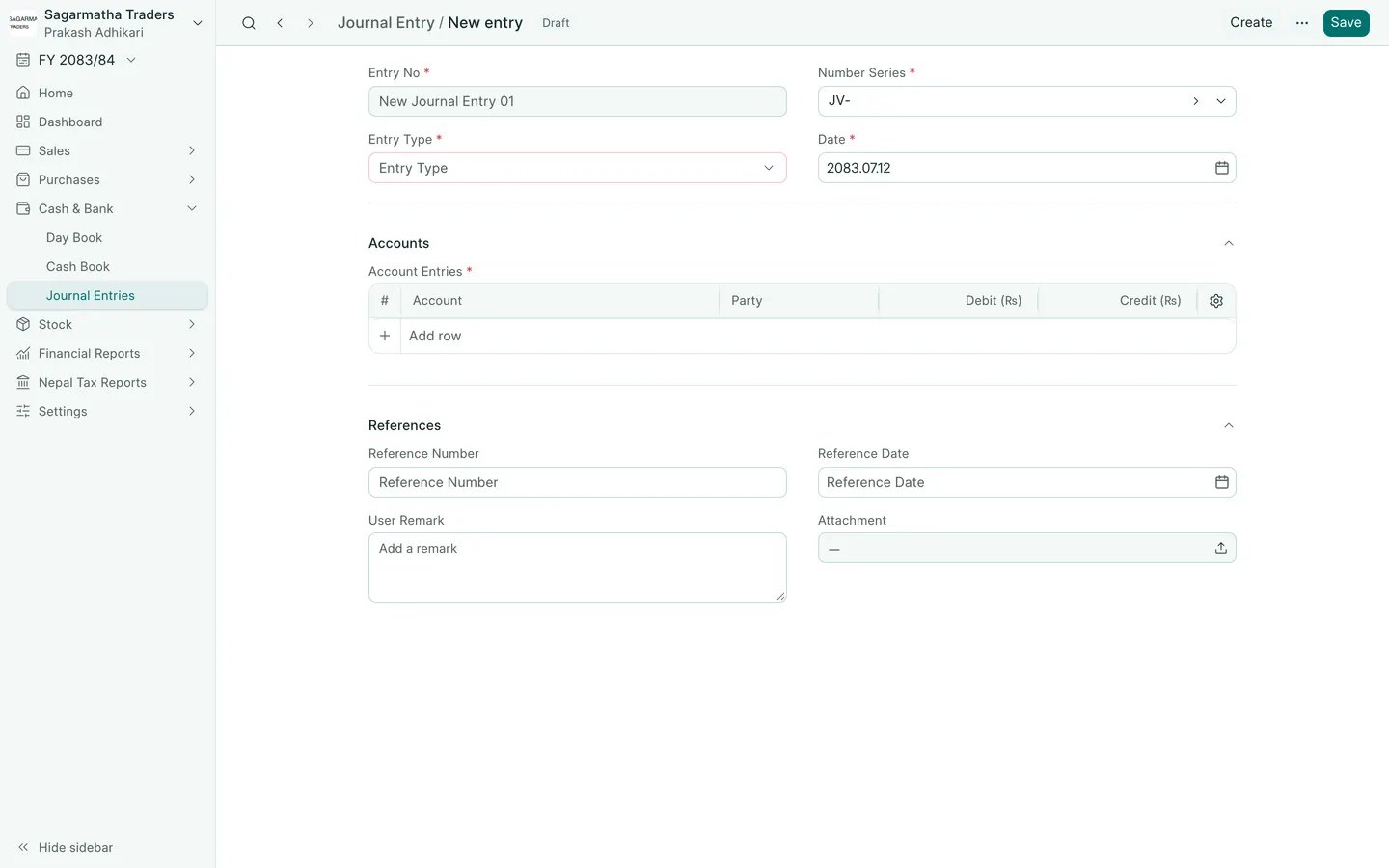
See the phone layout: Journal entry form