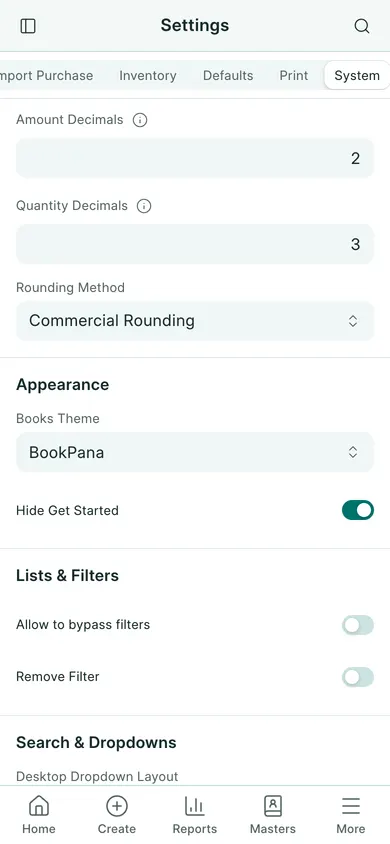
Change the app theme
- Open Settings → General Settings. On a phone, open More → Settings → General Settings.
- Choose the System tab.
- Find Books Theme and choose a preset. BookPana is the default teal preset.
- Choose Save and wait for confirmation.
- Review the page and controls. You can return to the same setting to choose another preset.
App and portal appearance
The available presets are BookPana, Classic, Ocean, Forest, Plum and Midnight. Midnight is the dark preset. The choice applies to everyone on this company’s Books site when they open or refresh it. The theme changes app controls and surfaces; print templates keep their own colours.
The portal’s light/dark button is a separate choice remembered by the browser. Changing the portal appearance does not select a Books preset. If settings are unavailable, ask the owner to change them.
In BookPana
Example screens use fictional demo data. Your records and available actions depend on your company and access.
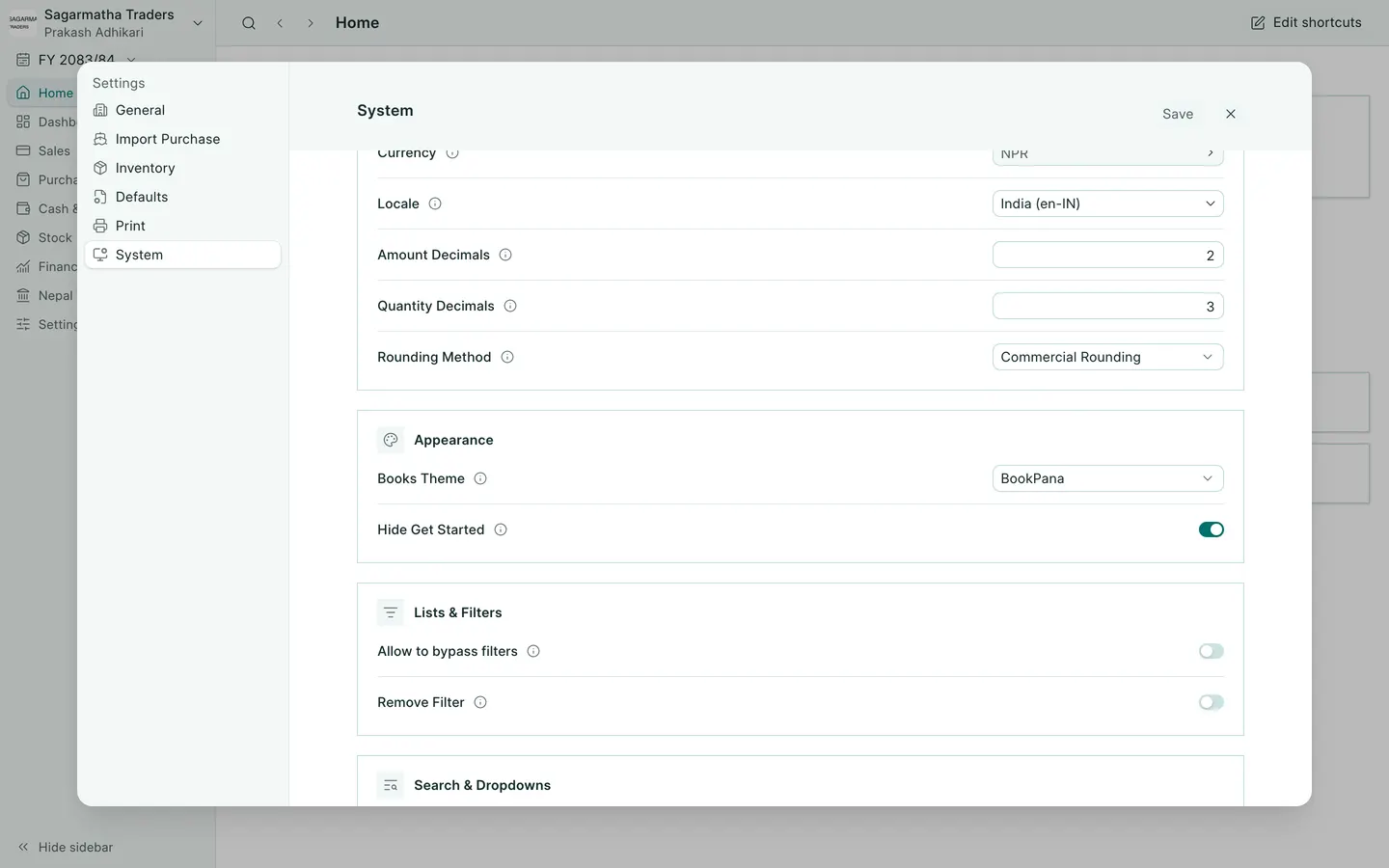
See the phone layout: Books theme setting