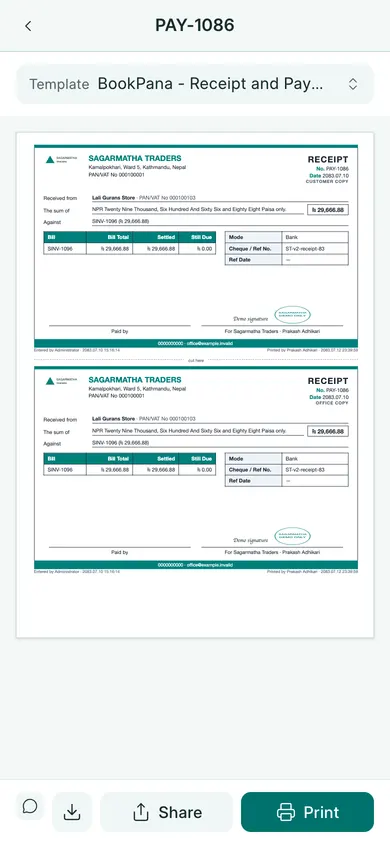
Open and print
- Open the saved invoice or receipt on your phone.
- Open Print from its actions. For a report, use its print button.
- Choose the template and check the preview. Scroll the preview if you need to inspect the full page.
- Tap the print control to open the phone or browser’s print dialog.
- Select a printer or a PDF destination, check the paper size and pages, then confirm.
If no printer appears
The printer must be available through your phone’s print service. BookPana does not pair printers or set up the printer’s network. Check the phone and printer connection, or save the PDF and print it from another device.
Check that columns, totals and company marks fit the paper before handing over the print. You can also send the PDF on WhatsApp.
In BookPana
Example screens use fictional demo data. Your records and available actions depend on your company and access.
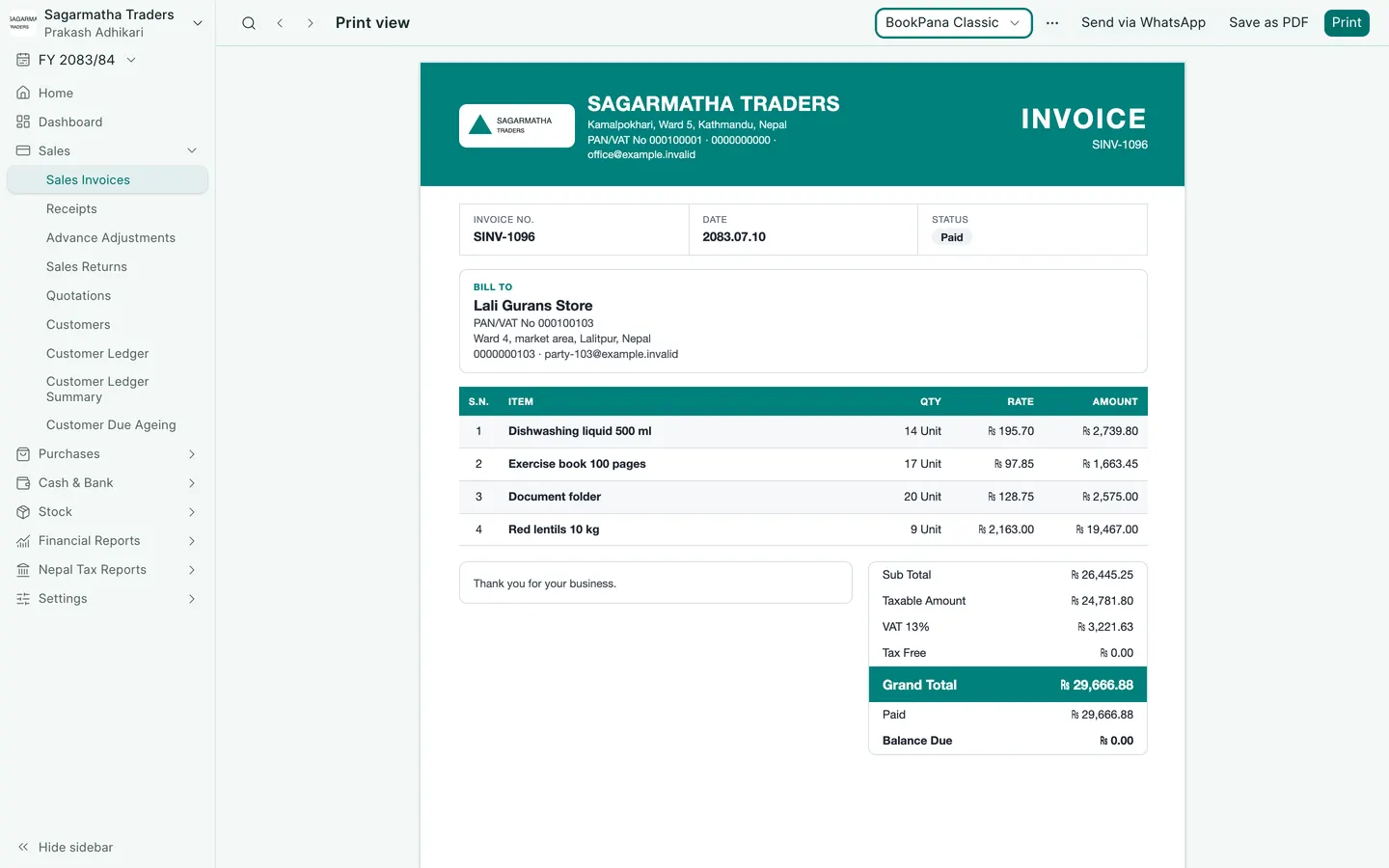
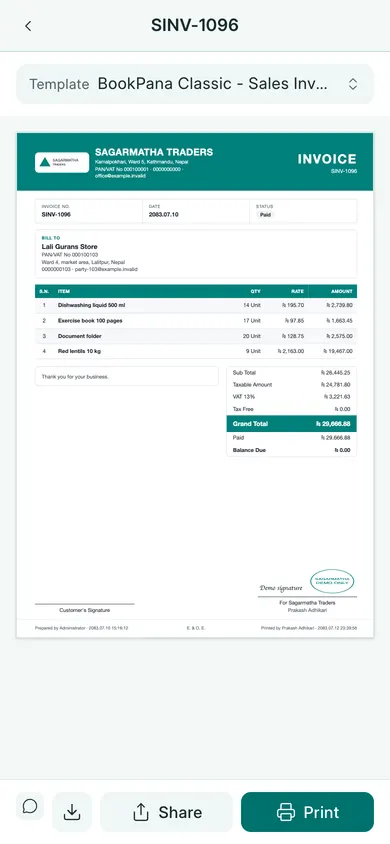
See the phone layout: Classic invoice
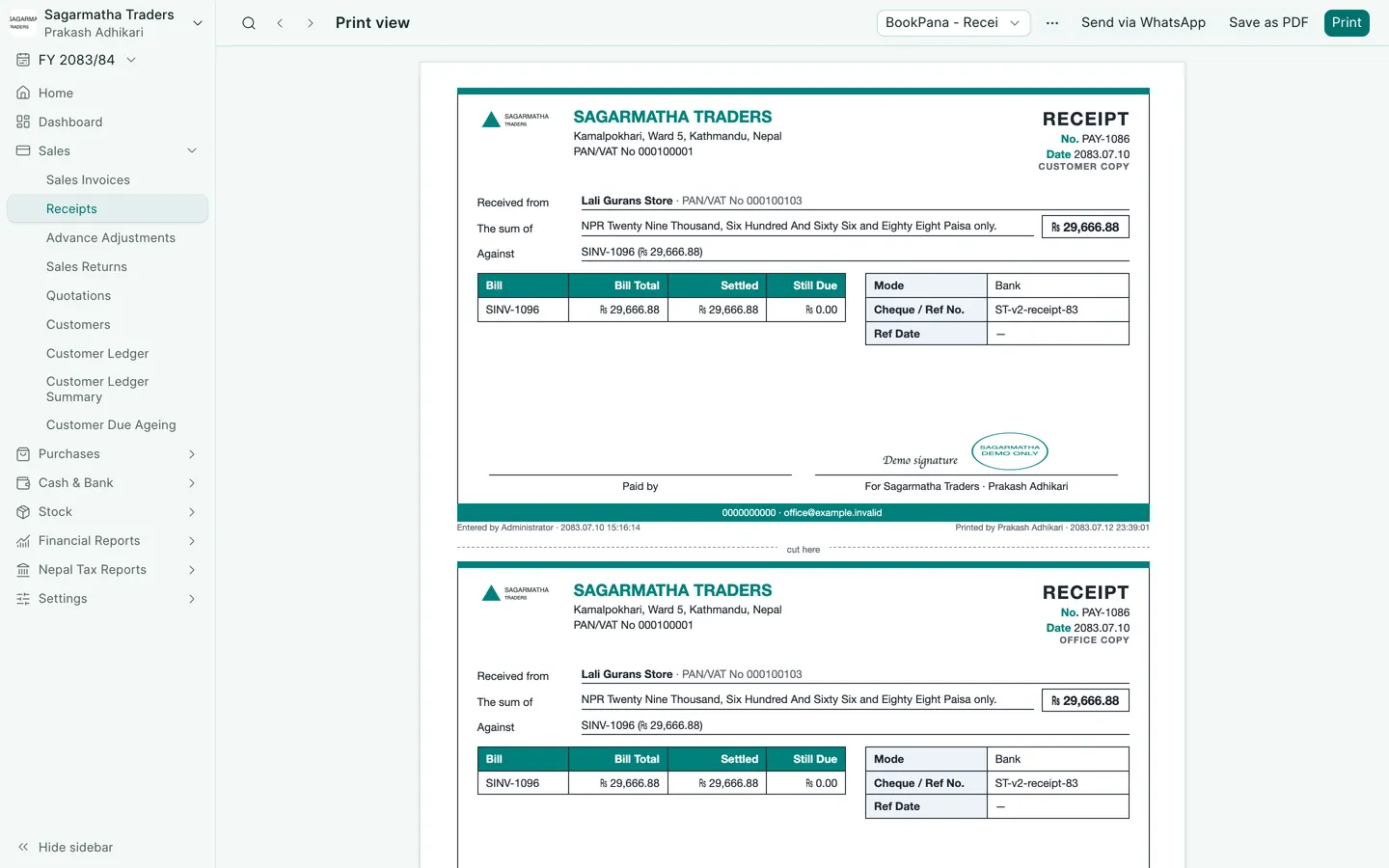
See the phone layout: Receipt print