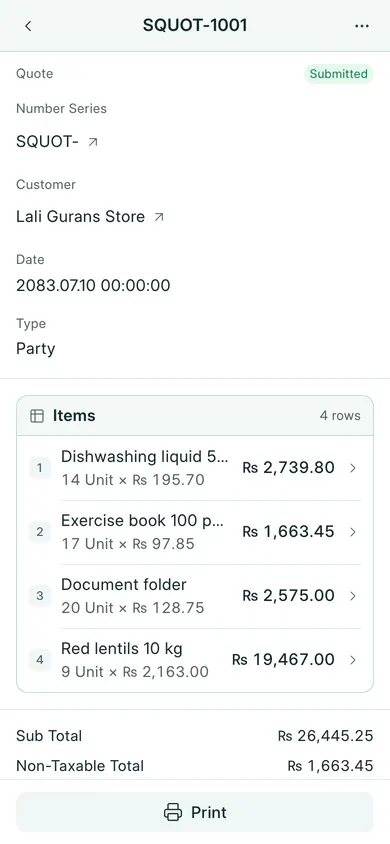
A quotation records the prices you offer a customer. It does not record money received or a completed sale.
Prepare a quotation
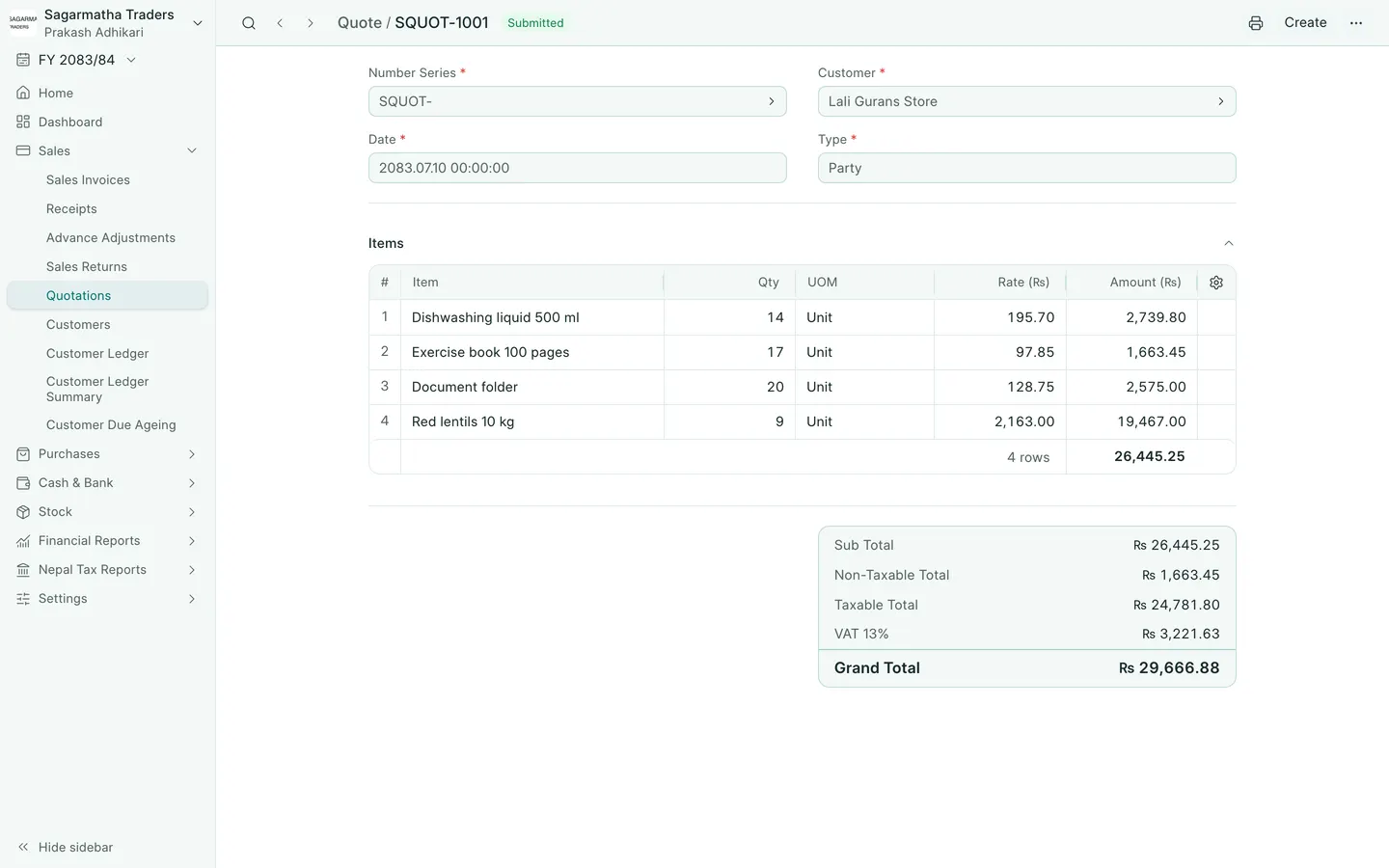
- Open Sales → Quotations and choose New. On a phone, open More → Sales → Quotations and choose New.
- Choose the customer and check Date.
- Add the items, quantities and rates. Review the tax and total.
- Choose Save and confirm Yes. Use Submit and confirm when the quotation is ready.
- Choose Open print view on a computer, or Print on a phone, to review and print or share the quotation.
Make the accepted sale
Open the submitted quotation. In Create, choose Sales Invoice. On a phone, find Sales Invoice under More actions. Review the copied customer, items, date and rates. Save and submit the invoice only when the sale is ready.
A quotation is not a receipt. Record the actual money received through receipts. Follow sales invoices for the sale itself.
If your company uses Save & Submit, that button combines the draft-save and submission steps. Review the confirmation before continuing.
In BookPana
Example screens use fictional demo data. Your records and available actions depend on your company and access.
See the phone layout: Quotation