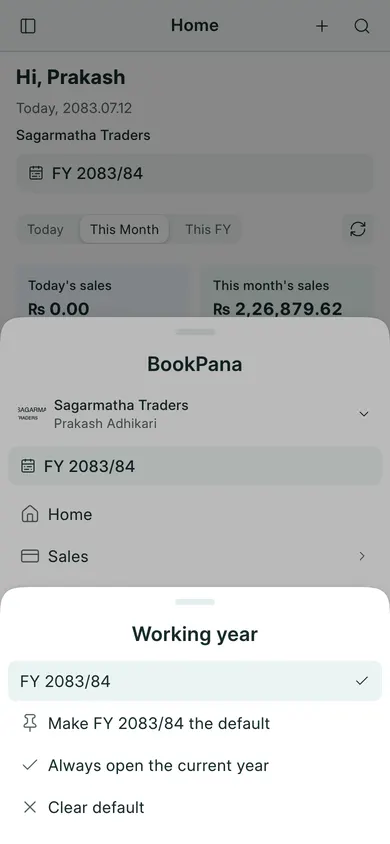
Enter a date
- Open an invoice, payment or journal and locate Date or Posting Date.
- Use its date picker to select the BS date. Check the displayed month and year rather than typing an AD date into a BS field.
- Review the accompanying AD date where the control shows it.
- Before saving, check that the date belongs to the working fiscal year.
Check the fiscal year
Nepal’s fiscal year runs from Shrawan to Ashadh and spans two BS calendar years. For example, FY 2083/84 covers Shrawan 2083 through Ashadh 2084. AD boundary dates depend on the BS calendar; do not assume every year starts on the same AD day.
The year near the company name is your working year. Report date filters can still be changed for a particular report. Read working year and year close before entering an earlier year’s records.
In BookPana
Example screens use fictional demo data. Your records and available actions depend on your company and access.
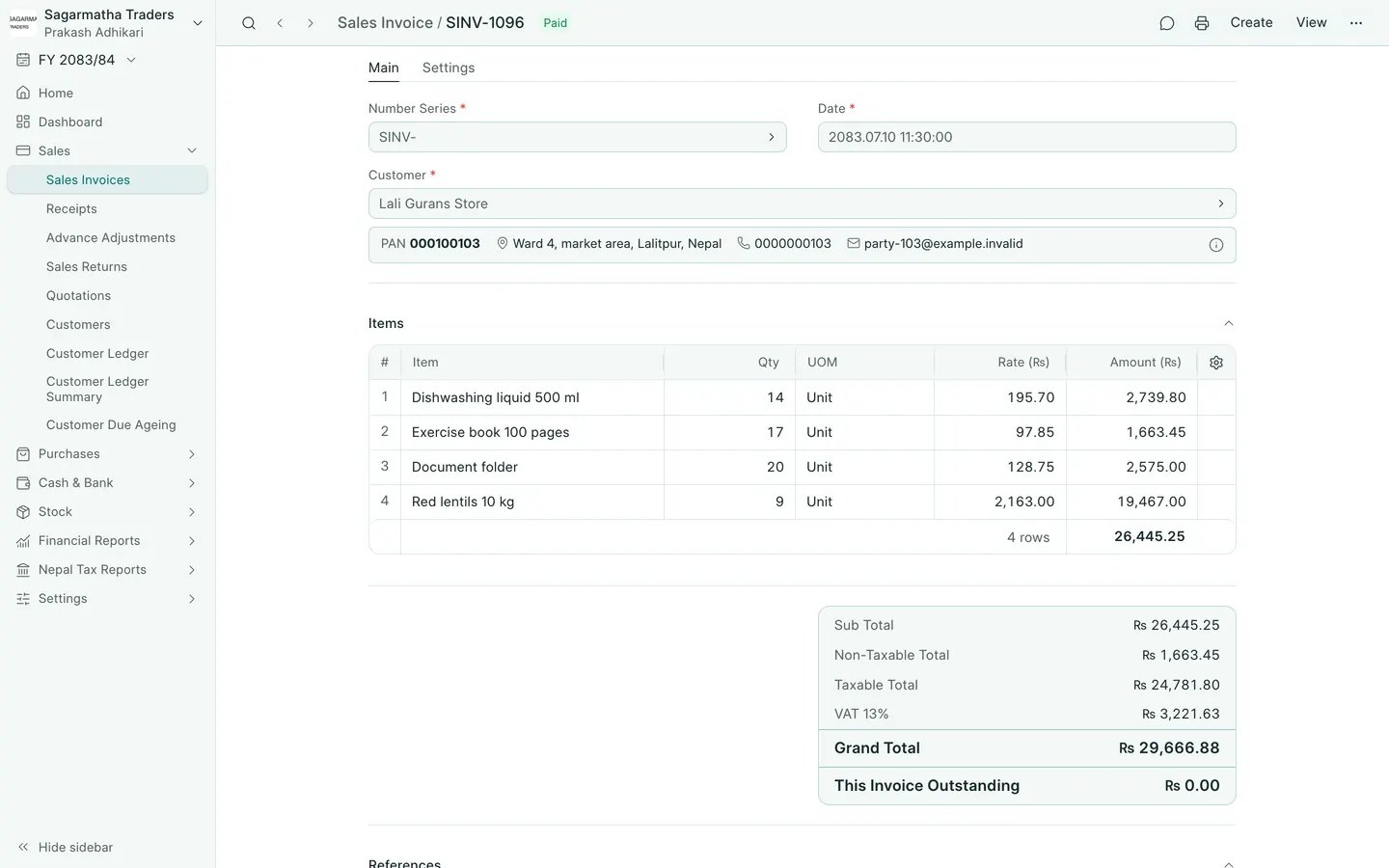
See the phone layout: Sales invoice
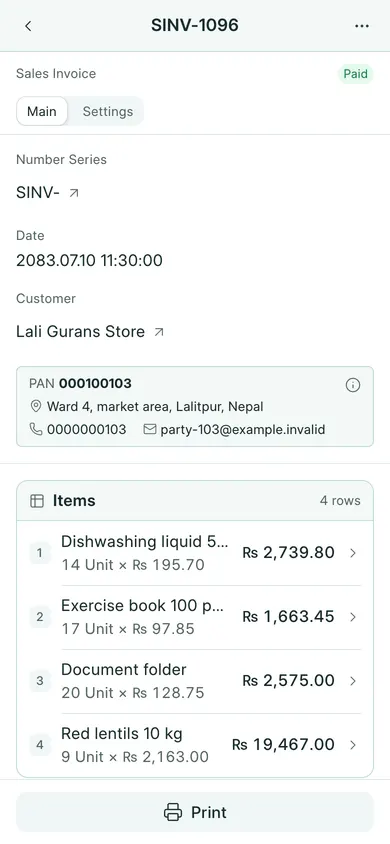
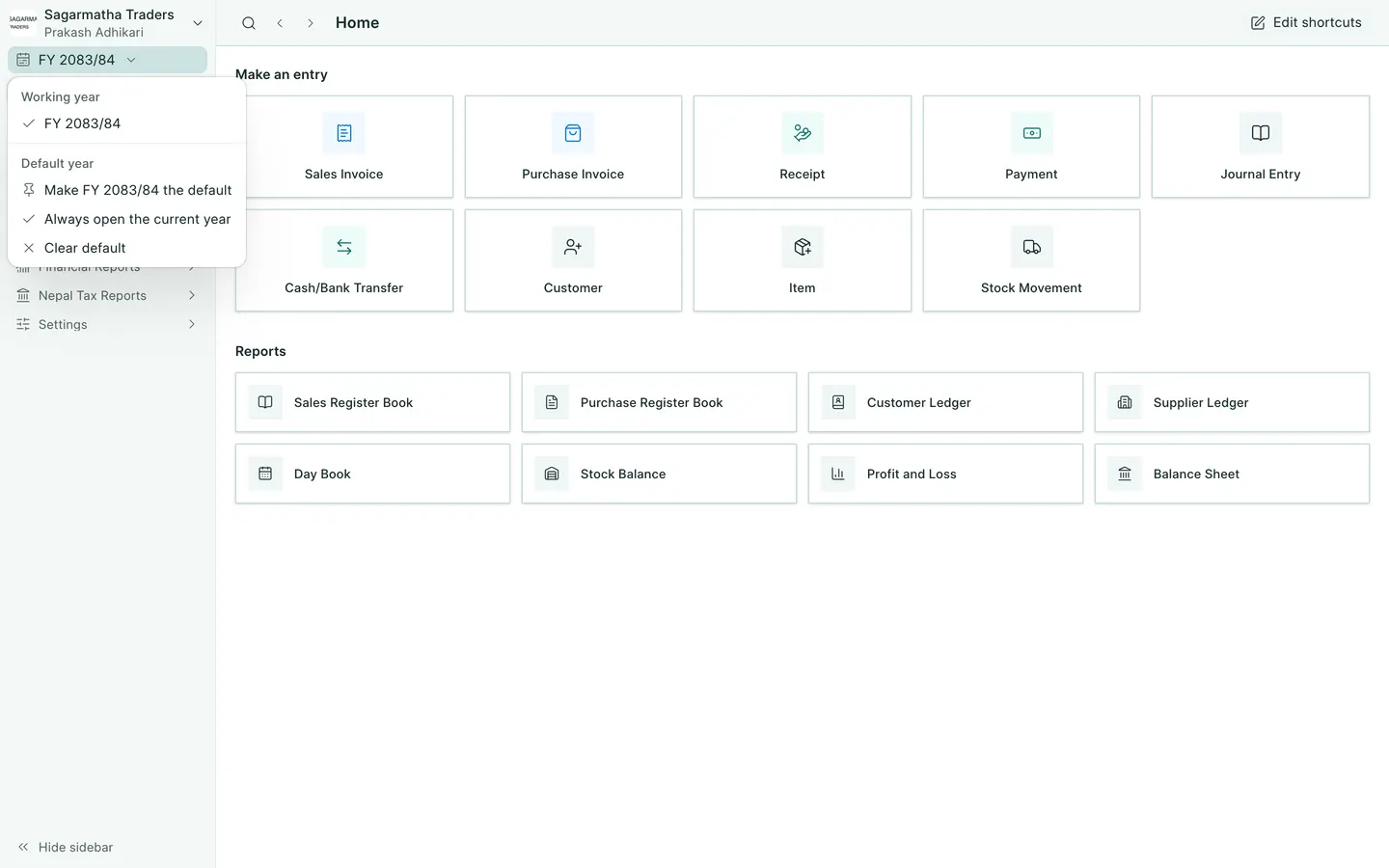
See the phone layout: Working year selector